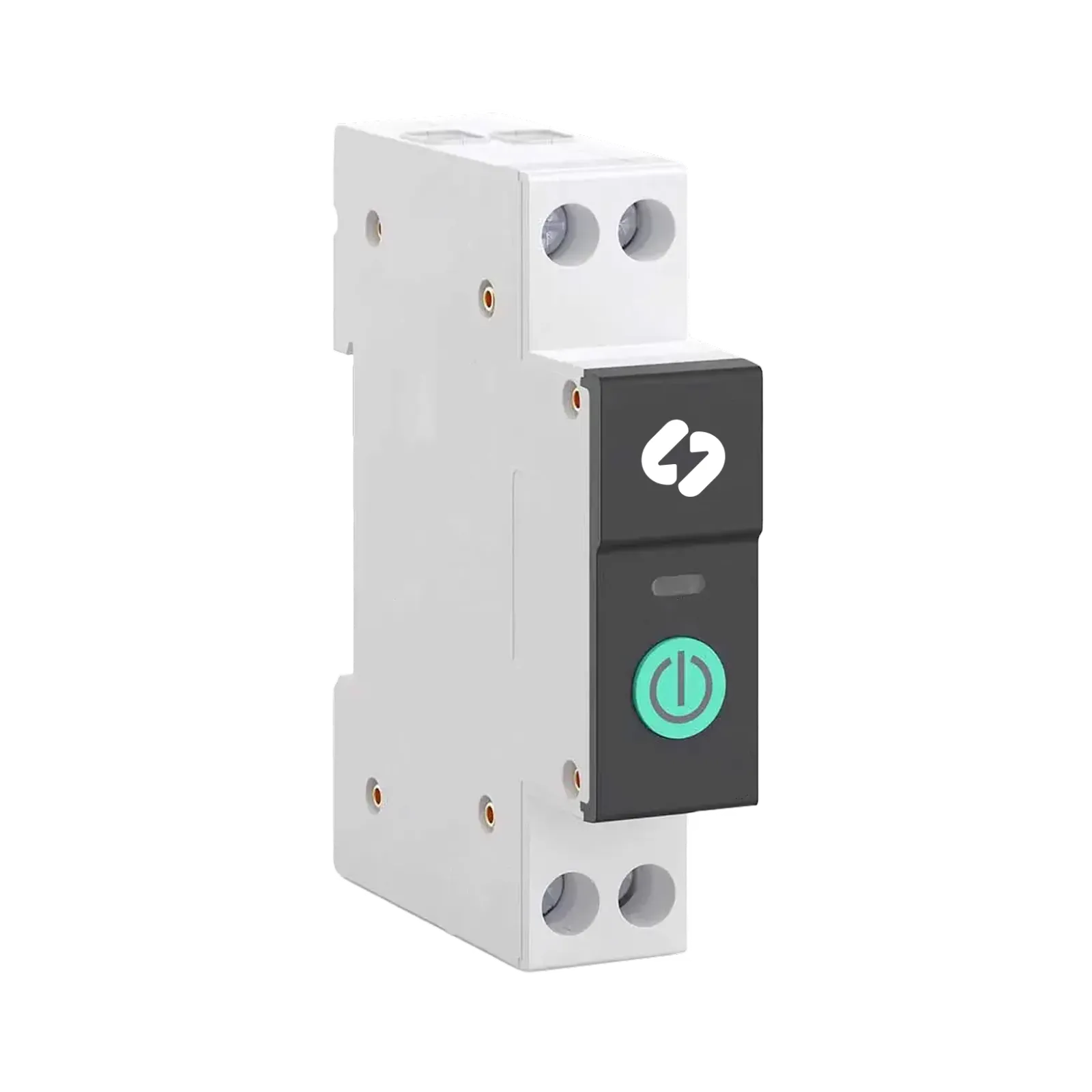
DIN Smart Relay
The DIN Smart Relay automatically tracks spot prices and switches devices on when electricity is cheapest.
Quantity
In stock
- No monthly fees
- Automatic spot-price tracking
- Savings overview
- 2-year warranty
- Automatic spot price monitoring
- Energy consumption overview
- Savings summary
- Home device remote control
- Grid fees
- Maximum switching capacity 63A (14kW)
- Device connects to a 2,4GHz Wi-Fi network
Where is the DIN relay most commonly used?
Electric sauna heater
Floor heating
Air-to-air heat pump
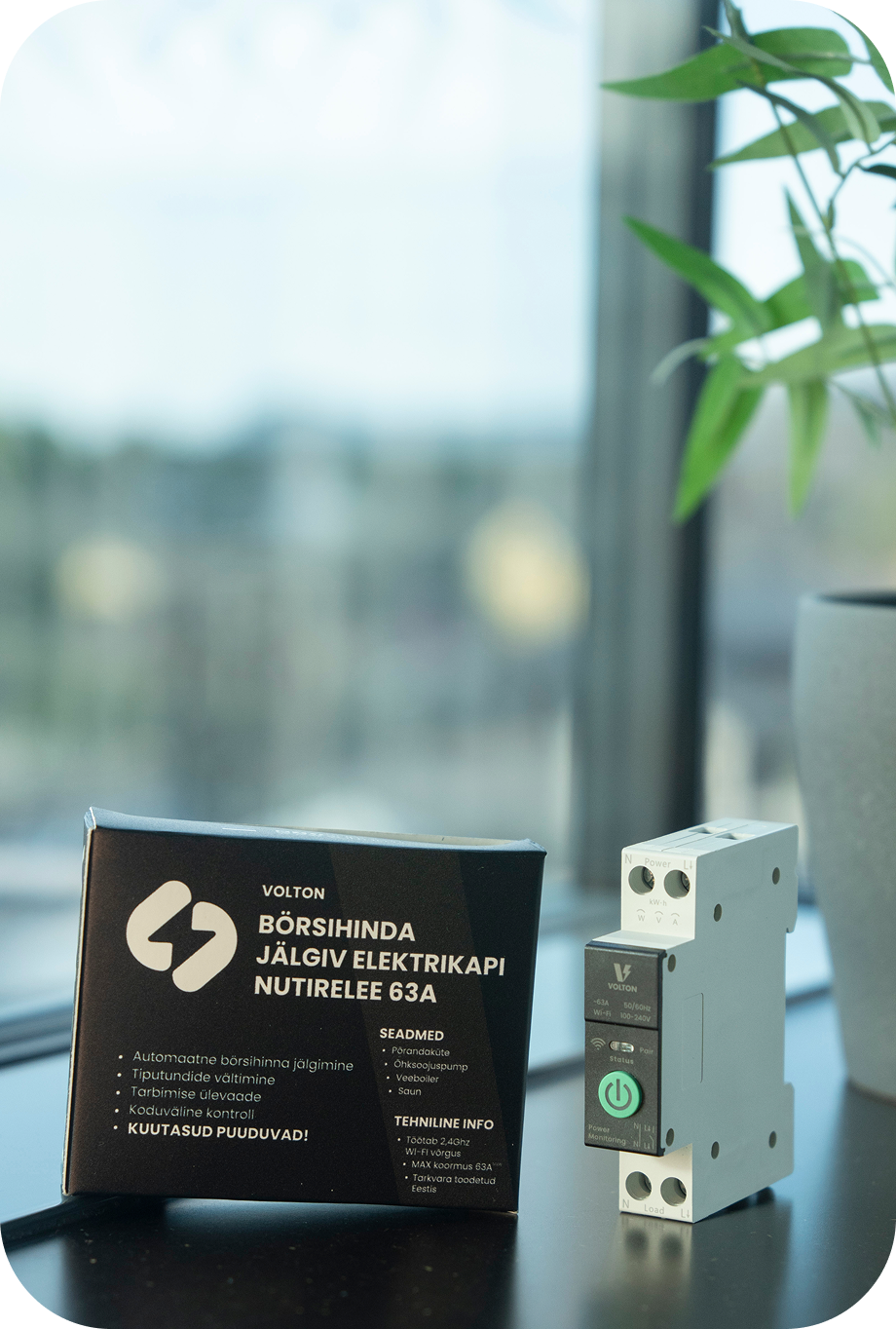
Lower electricity bill without sacrificing comfort.
The DIN relay shifts major consumers, such as underfloor heating or an air-to-air heat pump, to cheaper hours. You still get the same warm home and floor, but pay less for electricity.
No need to live by the electricity clock anymore.
You don't have to track electricity prices yourself or think about when to turn on underfloor heating or other devices. The DIN relay does it for you and automatically schedules operation to cheaper hours.
Clear overview of your consumption and savings.
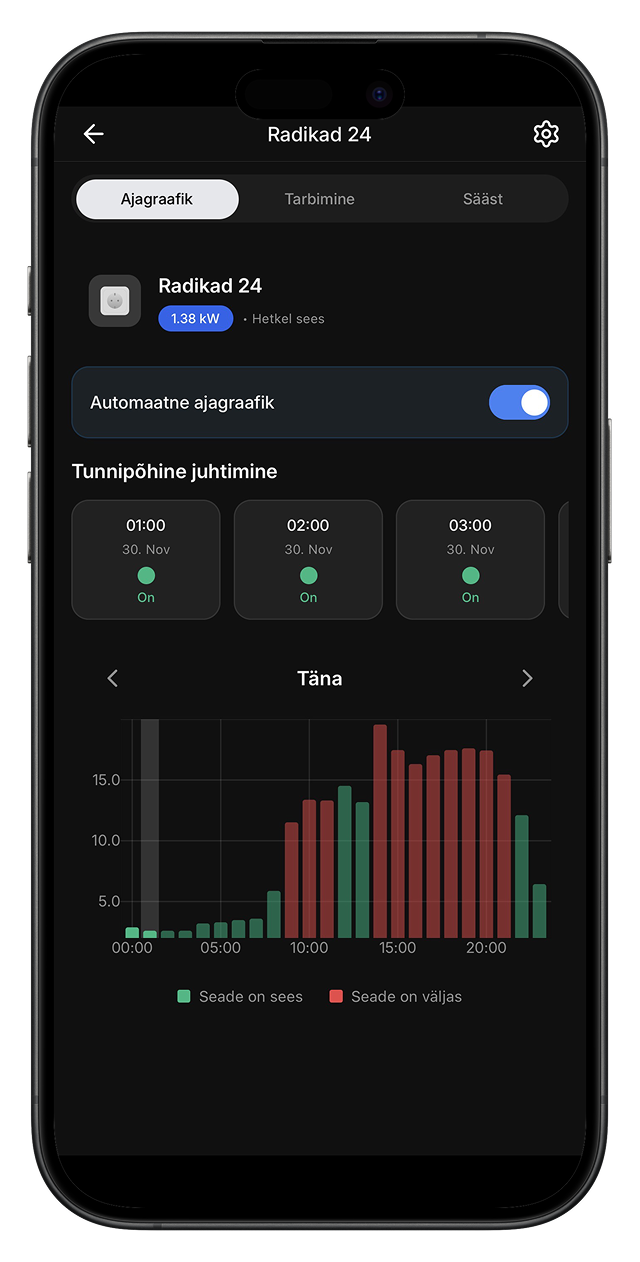
The app shows when the device was working, how much electricity it consumed, and how much you've saved financially. The vague "electricity is expensive" becomes a concrete number you can see and understand.
One-time purchase, long-term win
You only pay for the relay once—there's no monthly fee. Once it has paid itself back on your electricity bill, every next saving is pure gain.
How does the DIN relay work?
The DIN relay is installed in the electrical panel and requires electrical work competence. If you're comfortable with electrical installations, you can install it yourself. If you prefer a professional, our partner electrician can come on-site and install the DIN relay for the device you want to control.
In the app, you specify which device you’re controlling and when you need a warm floor, a warm room, or a ready sauna. Choose an energy mode (economy, balanced, comfort, or advanced settings) and the app optimizes the rest for you.
The DIN relay tracks spot prices and switches the device on during cheaper hours, keeping it off during expensive hours. If you want more control, you can disable automation and switch the device on and off yourself in manual mode.
What our customers say
Everything went quickly with Volton. Installation was simple, and the system works so I don't have to switch devices on and off myself. The house is warm, the app gives a clear overview of where energy is going, and electricity bills are about a third smaller than before. Currently, ten devices are connected to Volton, and I'm really glad that such young people have made this solution ready. I definitely recommend it.

Battery factory and circular economy engineer
Everything you need to know about the DIN relay
Where can I use a DIN relay?
• underfloor heating
• air-to-air heat pumps
• other large household electricity consumers that have their own circuit breaker in the panel
If you’re not sure whether your device is suitable, let us know and we’ll help you quickly figure it out.
Technical specifications
• Voltage: 230V / 400V (single- and three-phase support)
• Connectivity: WiFi 2.4GHz
• Installation: DIN rail (standard electrical panel)
• Supported loads: resistive and inductive loads (heating systems, chargers, etc.)
• Control method: remote control via the Volton app or automation rules
• Energy metering: real-time consumption and usage tracking
• Protection rating: IP20 (for indoor use inside an electrical panel)
• Temperature: -20°C to +50°C
• Hardware manufacturer: Tongou
• Dimensions: 19 × 85 × 79 mm (L × W/D × H)
• Certifications: CE, RoHS
How to install a DIN relay?
Installation notes:
• fits a standard DIN rail system
• requires connecting both neutral and live conductors
• after installation, the device is set up in the Volton Home app
Volton has partner electricians in every county in Estonia. If you don’t have an electrician, see our partner list here and contact them directly, mentioning you want to install a Volton DIN smart relay.
Installation usually costs €50–€150.
If you’re not sure whether you should install the DIN relay yourself, we strongly recommend using an experienced electrician so the work is safe and the device works as intended.
How to reset the DIN relay to factory settings?
1. Press and hold the green button on the DIN relay for about one minute.
2. After that, the blue light should start blinking and the DIN relay will be reset to factory settings.
How to connect the DIN relay to the app?
https://youtu.be/iX05yIJZQbU
Use the same tutorial video — the in-app pairing flow is exactly the same for all Volton devices, including the DIN relay.
If you’ve lost the paper setup guide with the device code, you can always download the same guide again as a PDF here.
See solutions for other devices
Have questions or problems?