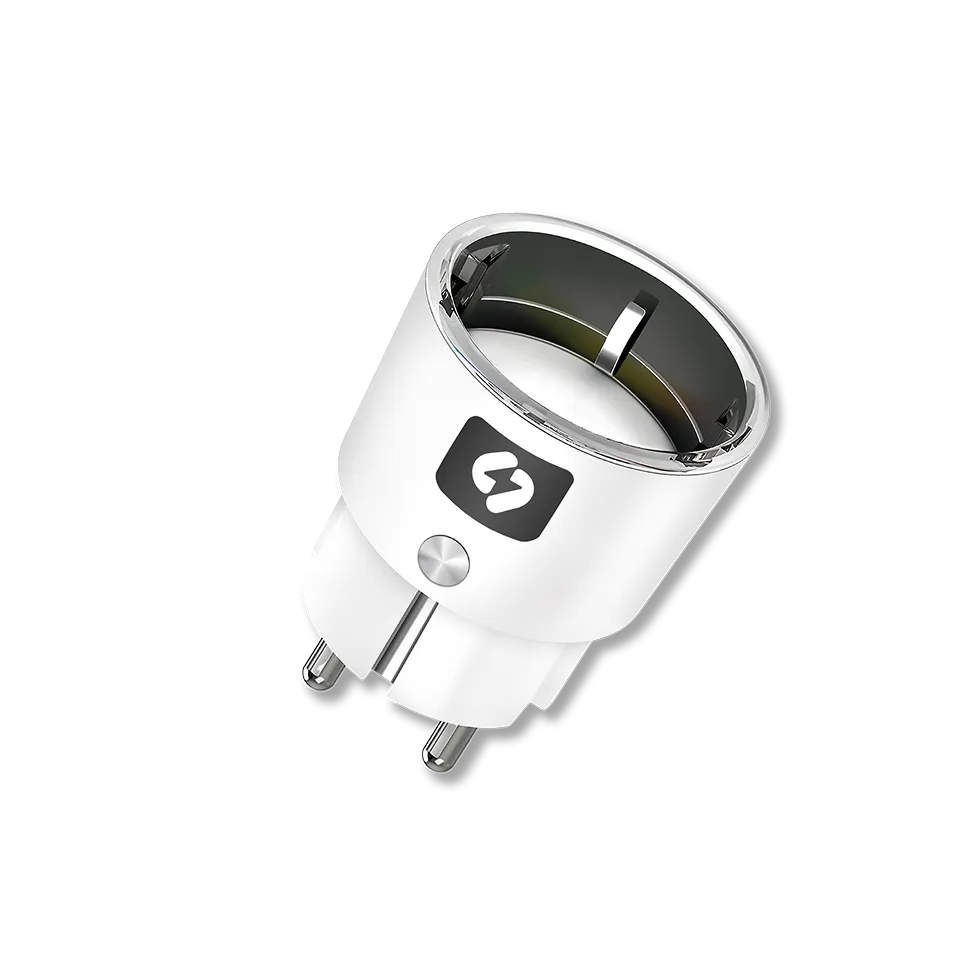
Smart Plug
Use your water heater and radiator automatically at the cheapest hours, and earn extra income on the frequency market.
Quantity
In stock
- No monthly fees
- Automatic spot-price tracking
- Savings overview
- Earn on the frequency market
- 2-year warranty
Three reasons to buy
The plug automatically follows the spot price and runs your device during the cheapest hours. You don't have to watch the clock.
Need hot water or a charged car right now? Switch the device on from the app, wherever you are. Automation takes over again by itself.
If you want, your device joins Volton's virtual power plant and starts earning: a 2 kW boiler earns you about €60 a year.
Where is the smart plug most commonly used?
Electric water heater
Electric radiator
Hybrid electric car charger
How do you earn money with a smart plug?
The frequency market is where the grid operator pays for keeping electricity production and consumption in balance. You no longer need a battery or a solar park to take part. A smart plug and a household electrical load are enough.
A water heater or radiator doesn't have to run to the minute. Their work can be shifted without any loss of comfort. There is still hot water in the tank and the car is charged.
One home is too small for the grid, but thousands of smart-plug homes together are real capacity that helps keep the grid in balance.
When the grid needs balancing, the smart plug reacts on its own. You don't have to do a thing and won't even notice it in daily life.
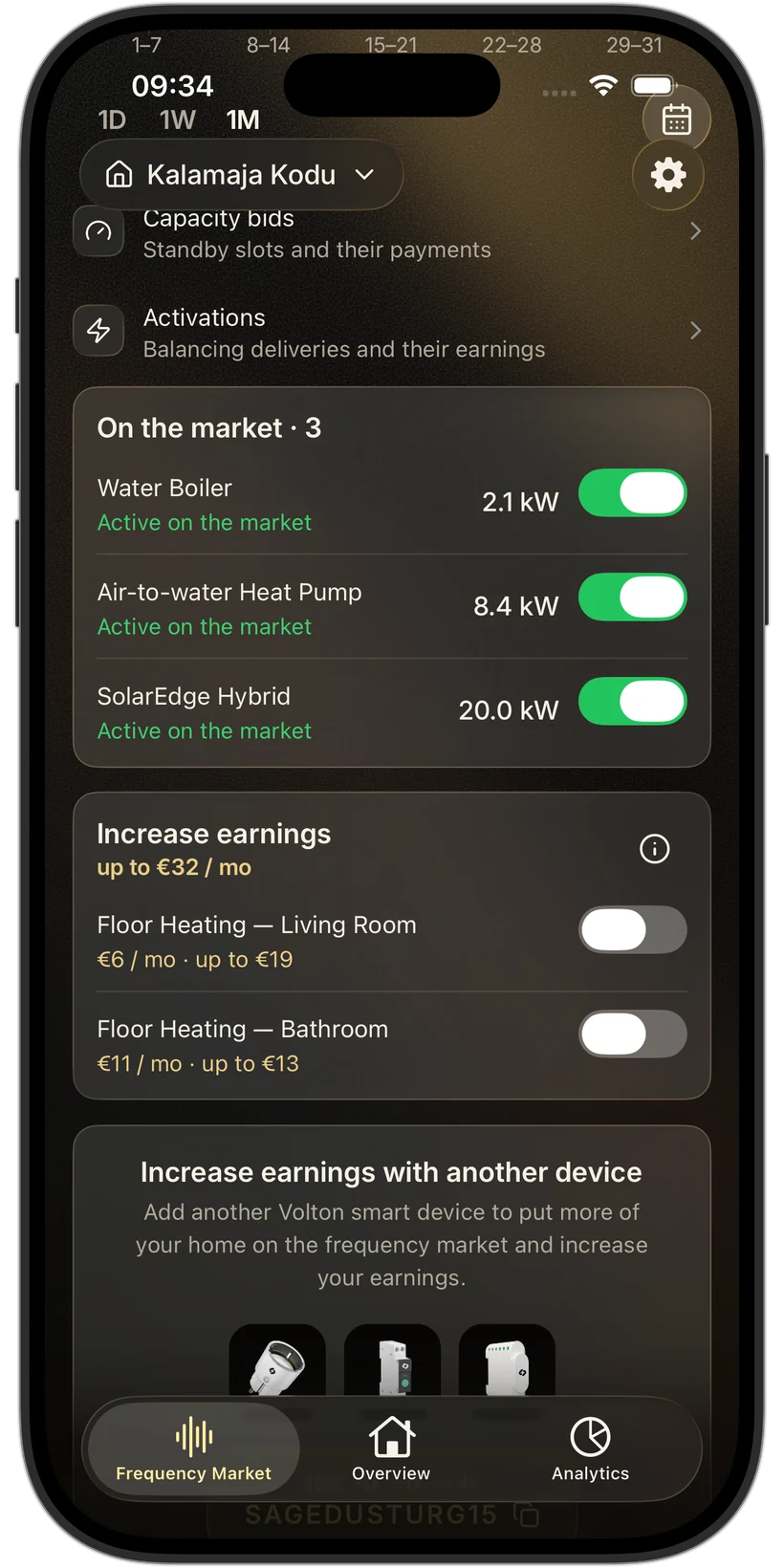
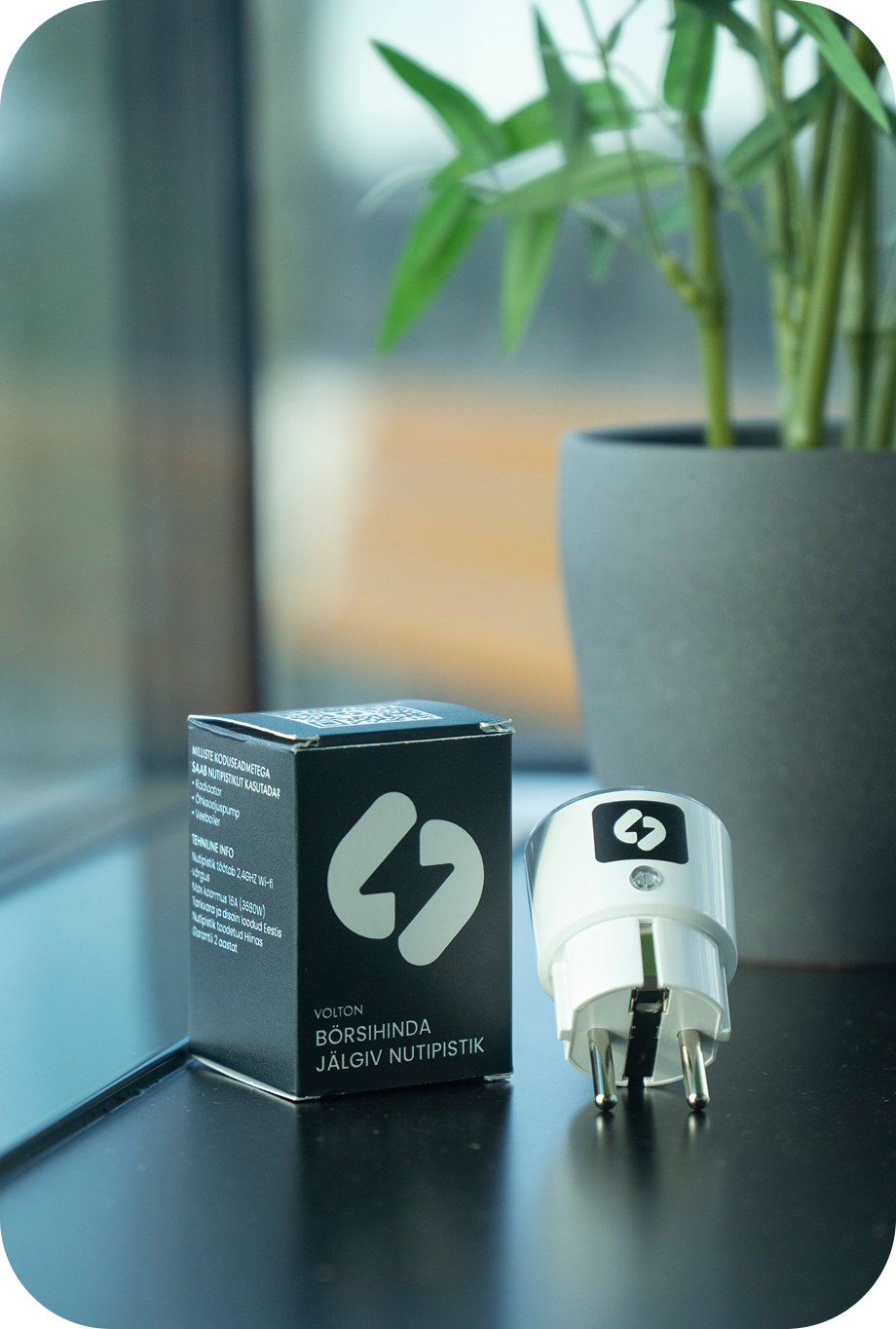
Lower electricity bill without sacrificing comfort.
Smart plug shifts the operation of high-consumption devices like water heaters or radiators to cheaper hours. You get the same warm home and hot water, but pay less for electricity.
No need to live by the electricity clock anymore.
You don't need to monitor electricity prices yourself or think about when to turn on the water heater or other devices. Smart plug does this for you and automatically schedules device operation to cheaper hours.
Clear overview of your consumption and savings.
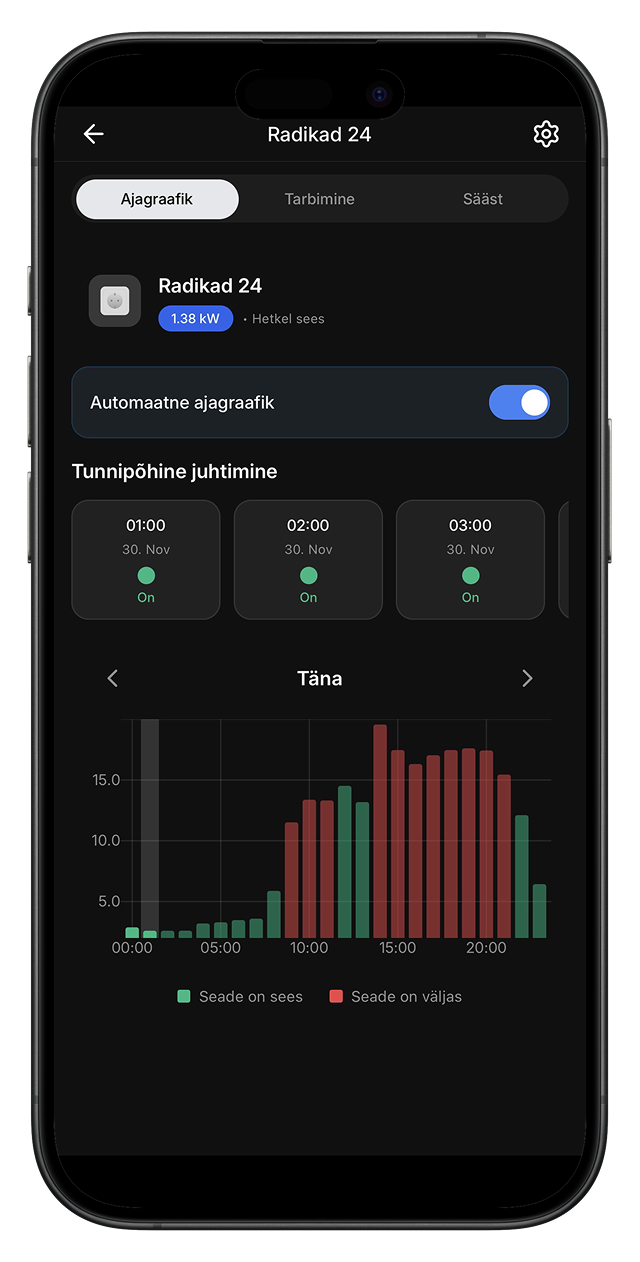
The app shows when the device was working, how much electricity it consumed, and how much you've saved financially. The vague "electricity is expensive" becomes a concrete number you can see and understand.
One-time purchase, long-term win
You pay for the plug only once, there's no monthly fee. Once the device has paid for itself through electricity bill savings, all subsequent savings are pure profit.
How does the smart plug work?
Plug the smart plug into a standard wall socket and connect your electric water heater, radiator, hybrid electric car charger, or other device behind it. Connect the plug to Wi-Fi network.
In the app, mark which device you're controlling and when you definitely need hot water, warm room, or charged car. Choose a suitable energy mode (economy, balanced, comfort, or custom settings) and the app optimizes the rest for you.
Smart plug monitors spot prices and switches the device on during cheaper hours and keeps it off during expensive hours. If you want more control, you can turn off automation and control the device manually yourself.
Track savings and consumption in real-time and see how your investment pays off.
Pay once, but save every month
The plug costs €55 once and pays for itself on the frequency market in about a year.
*Depends on the device's power.
They were in the same situation as you
Everything went quickly with Volton. Installation was simple, and the system works so I don't have to switch devices on and off myself. The house is warm, the app gives a clear overview of where energy is going, and electricity bills are about a third smaller than before. Currently, ten devices are connected to Volton, and I'm really glad that such young people have made this solution ready. I definitely recommend it.

Battery factory and circular economy engineer
What makes the Volton smart plug different?
| Volton smart plug | Regular smart plug | |
|---|---|---|
| Remote control from an app | ✓ | ✓ |
| Energy consumption metering | ✓ | ✓ |
| Automatic spot-price tracking | ✓ | — |
| Shifting work to the cheapest hours | ✓ | — |
| Savings summary | ✓ | — |
| Frequency-market participation | ✓ | — |
| Consumption overview | ✓ | — |
Everything you need to know about the smart plug
Where can the smart plug be used?
• boilers
• electric heaters and radiators
• heat fans
• hybrid electric car charger
• other high-consumption devices whose operation can be scheduled for cheaper hours
If you're not sure if your device is compatible, let us know and we'll help you figure it out quickly.
Technical specifications
• Voltage: 230V
• Connectivity: WiFi 2.4GHz
• Installation: Plug-in
• Supported loads: Resistive and inductive loads (heating systems, chargers, etc.)
• Control method: Remote control via Volton app or automation rules
• Energy measurement: Real-time consumption and usage tracking
• Protection class: IP20 (for indoor use in electrical cabinets)
• Temperature: -20°C to +50°C
• Hardware manufacturer: NOUSx
• Certifications: CE, RoHS
How to install the smart plug?
The easiest way to start is with the tutorial video: https://youtu.be/iX05yIJZQbU
Important installation notes:
• the smart plug must not be connected to an extension cord
• the plug's maximum allowed load is 10A
If you've lost the paper setup guide, you can always download the same guide as a PDF file from here.
Can the smart plug be used outdoors?
If you need a solution for outdoor or humid environments, we can offer a moisture-resistant plug on special order – contact us and we'll discuss the options.
How to reset the smart plug to factory settings?
1. Hold the plug's button for about 15 seconds.
2. Then plug it into the socket and unplug it 4 times in a row.
3. After this, the green light should start blinking and the plug is reset to factory settings.
See solutions for other devices
Have questions or problems?